
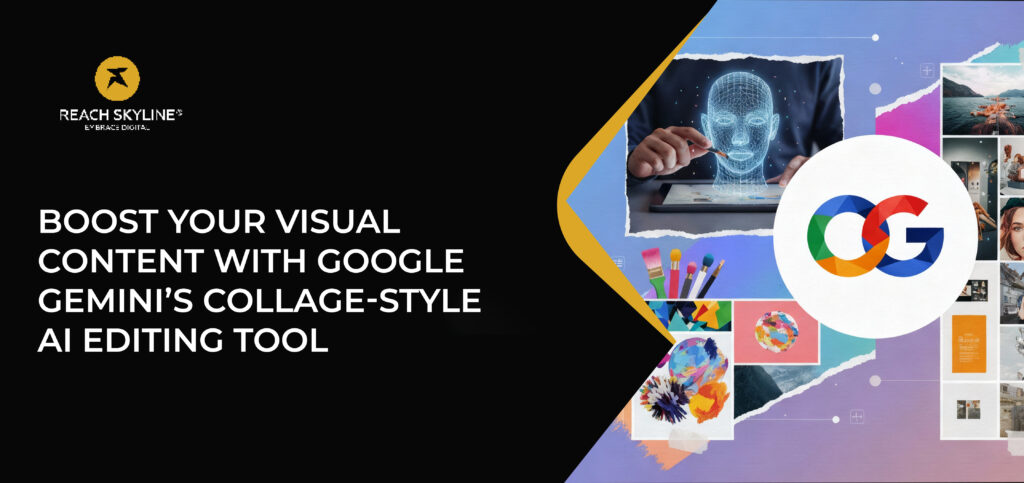
Boost Your Visual Content with Google Gemini’s Collage Style AI Editing Tool
In today’s digital world, visual content speaks louder than words. From social media creators to marketers and designers, everyone needs eye catching visuals that stand out instantly. This is where Google Gemini, one of the latest and most advanced Google AI tools, is making a huge impact. Its collage style AI editing tool has become a game changer for anyone looking to enhance images, create dynamic layouts, and transform photos into professional designs with minimal effort. Whether you are a brand trying to elevate your visual identity or an individual wanting stunning visuals for your posts, Google Gemini’s AI photo editing and AI powered image editing features unlock endless creative potential. 1. What Makes Google Gemini’s Collage Style AI Tool Special Google Gemini is designed to simplify the editing process, offering features that once required hours of manual work. With its collage style editor and smart composition tools, users can merge photos, mix layouts, and apply unique effects automatically. Here’s why the tool stands out: • Smart Auto Layouts Gemini intelligently arranges photos into balanced, visually appealing compositions. • AI Enhanced Creativity It detects colors, subjects, and elements, making the final image clean, consistent, and aesthetically pleasing. • Instant Image Enhancement Gemini improves lighting, removes distractions, and boosts clarity within seconds. • Perfect for Social Media Creators can quickly produce engaging content for Instagram, Pinterest, Facebook, and blogs. • No Design Skills Needed Even beginners can create professional visuals with guided editing and automated collage features. 2. How Google Gemini Helps Content Creators and Brands Whether you are a designer, business owner, or social media manager, the Gemini AI editing tool provides several advantages such as: By leveraging AI for designers, Google Gemini reduces editing time and enhances creativity, allowing you to focus more on storytelling and engagement. Ready to take your content to the next level? Try Google Gemini’s collage style AI photo editing tool today and instantly transform your visuals into scroll stopping masterpieces. Create smarter, faster, and more creatively than ever before.https://reachskyline.com/ 3. When Should You Use the Collage Style Tool Here are the best situations to use Google Gemini’s collage style editor: • Product Showcases Display product variations or multiple angles in a single beautifully arranged collage. • Travel Recaps Combine your best travel shots into attractive, share worthy layouts. • Before and After Comparisons Gemini enhances both images and places them side by side for a seamless comparison. • Mood Boards Designers can quickly assemble inspiration boards using AI suggested layouts. • Event Highlights Capture and merge key moments into one clean, professional looking visual. 4. Step by Step Guide to Using Google Gemini’s AI Collage Tool Whether you are creating daily posts or marketing campaigns, Gemini’s simple workflow helps you design beautiful visuals effortlessly. Conclusion Google Gemini’s collage style AI editing tool is transforming the way creators produce visual content. With features such as smart layouts, AI enhanced editing, automated adjustments, and effortless collage creation, it has become essential for anyone looking to improve their digital presence. Gemini not only speeds up the editing process but also elevates creativity, helping your visuals stand out in a crowded digital space. If you want to enhance your content quality, increase engagement, and work more efficiently, Google Gemini is an invaluable tool. FAQ